Your family's schedule, all in one place.
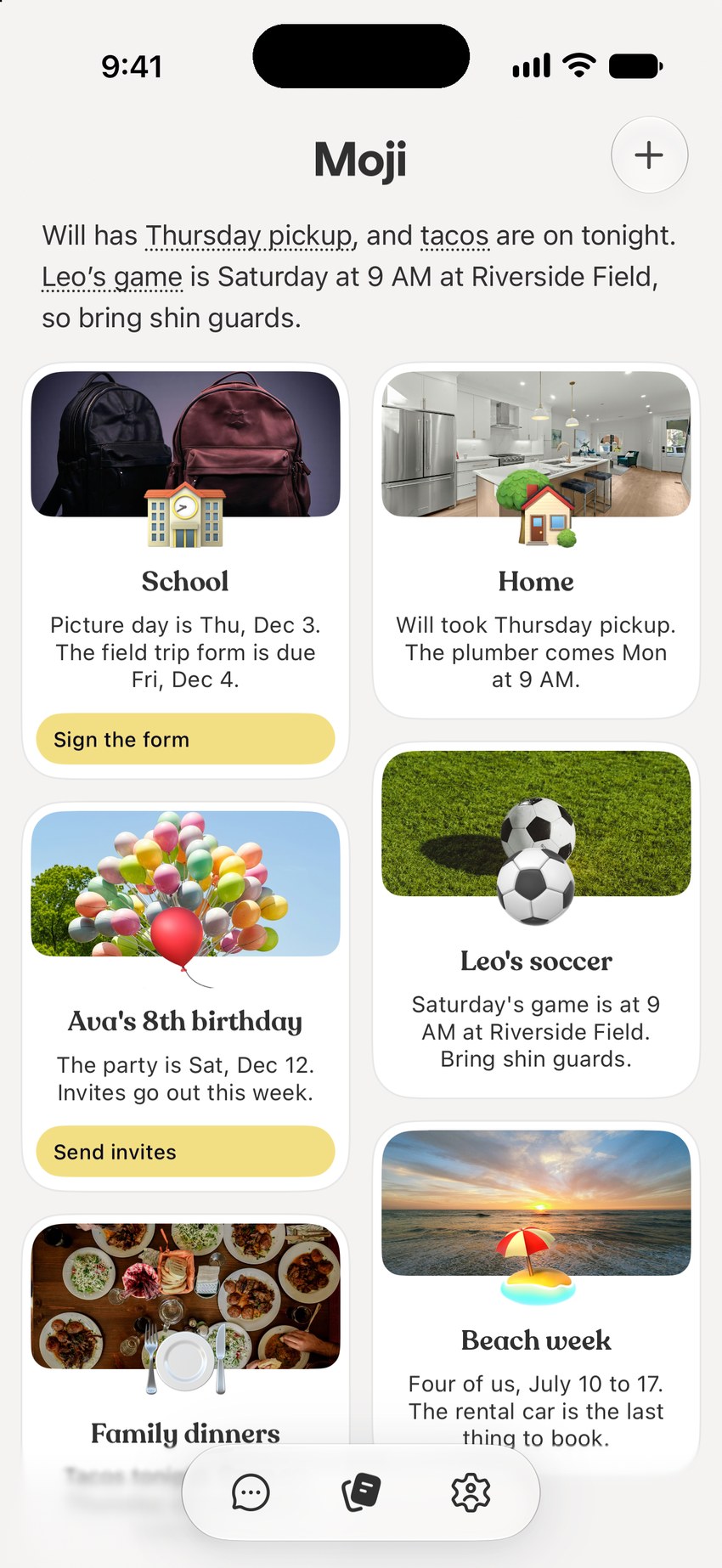
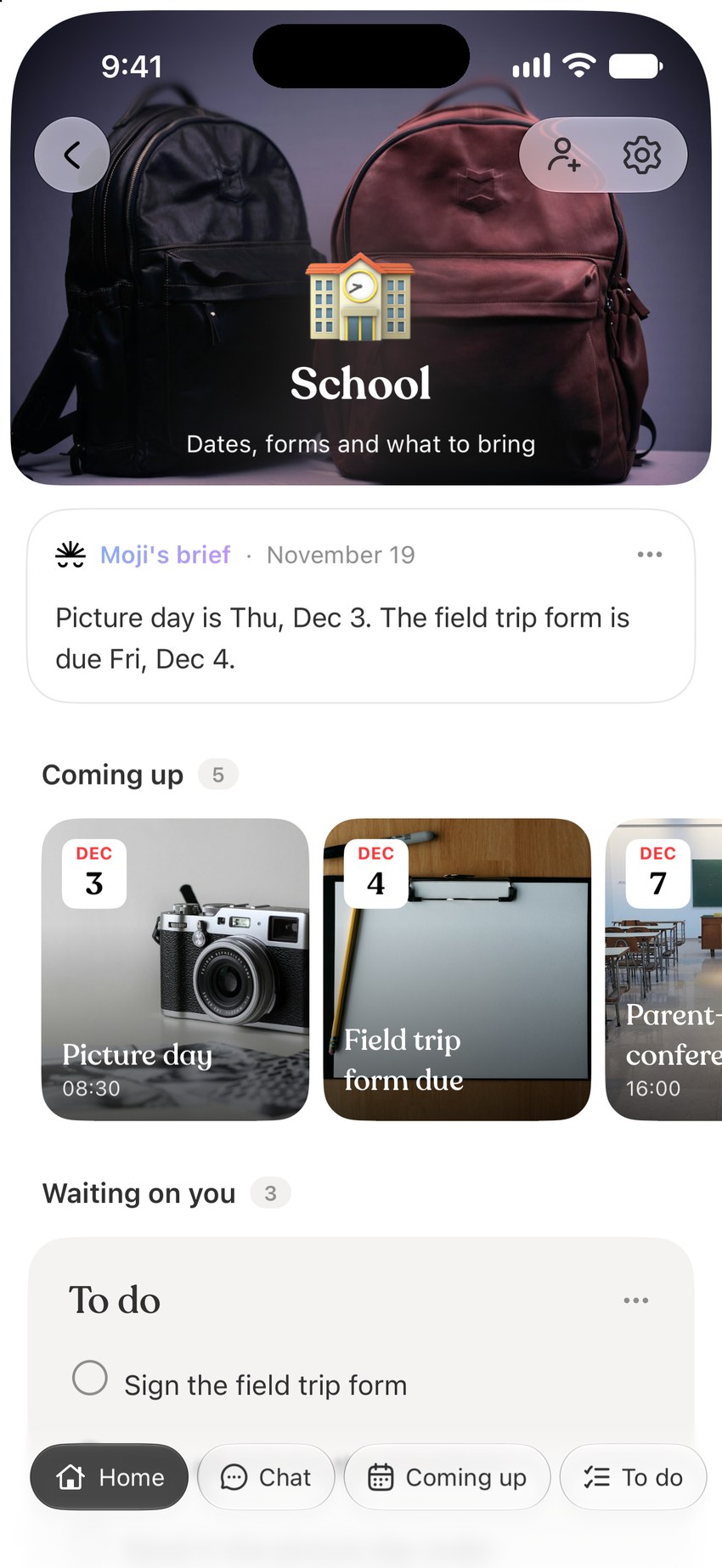
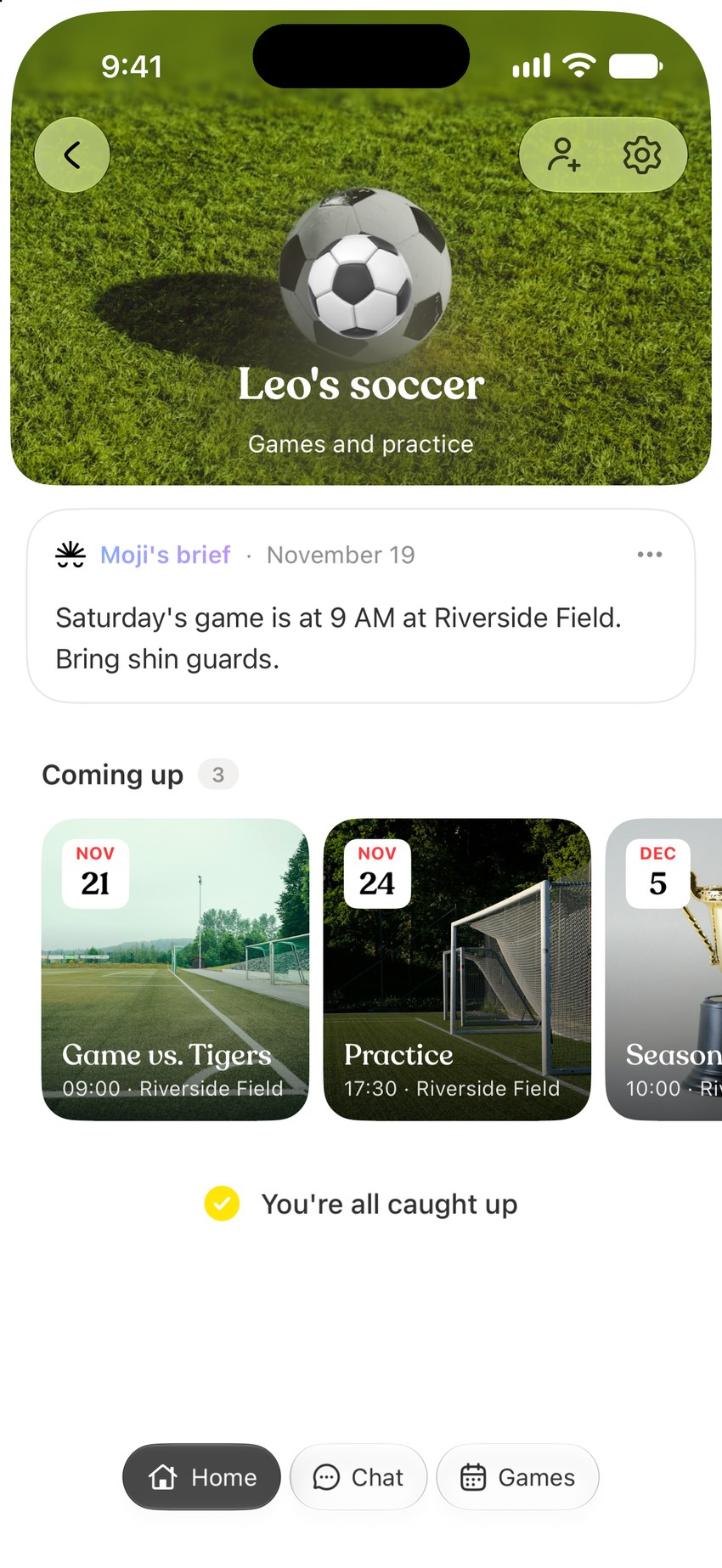
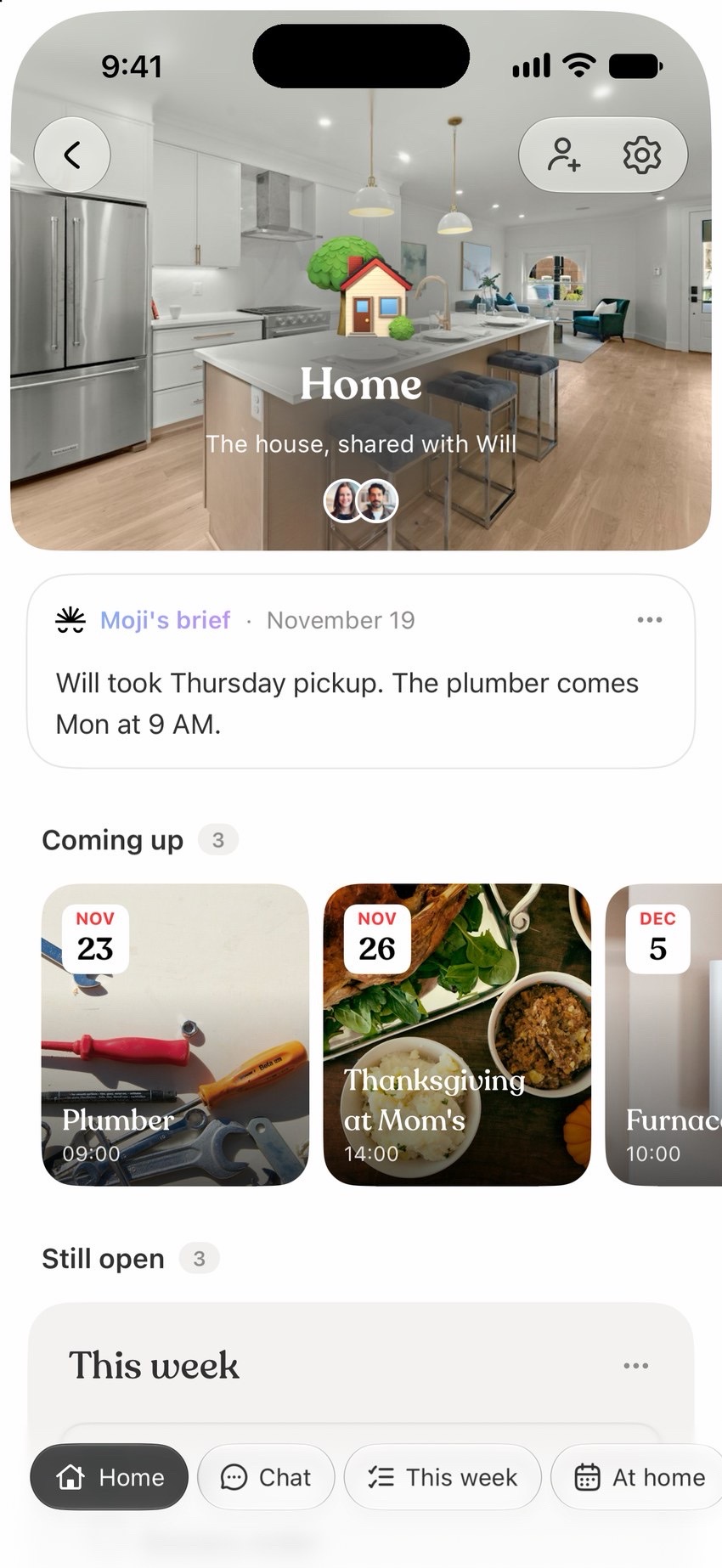
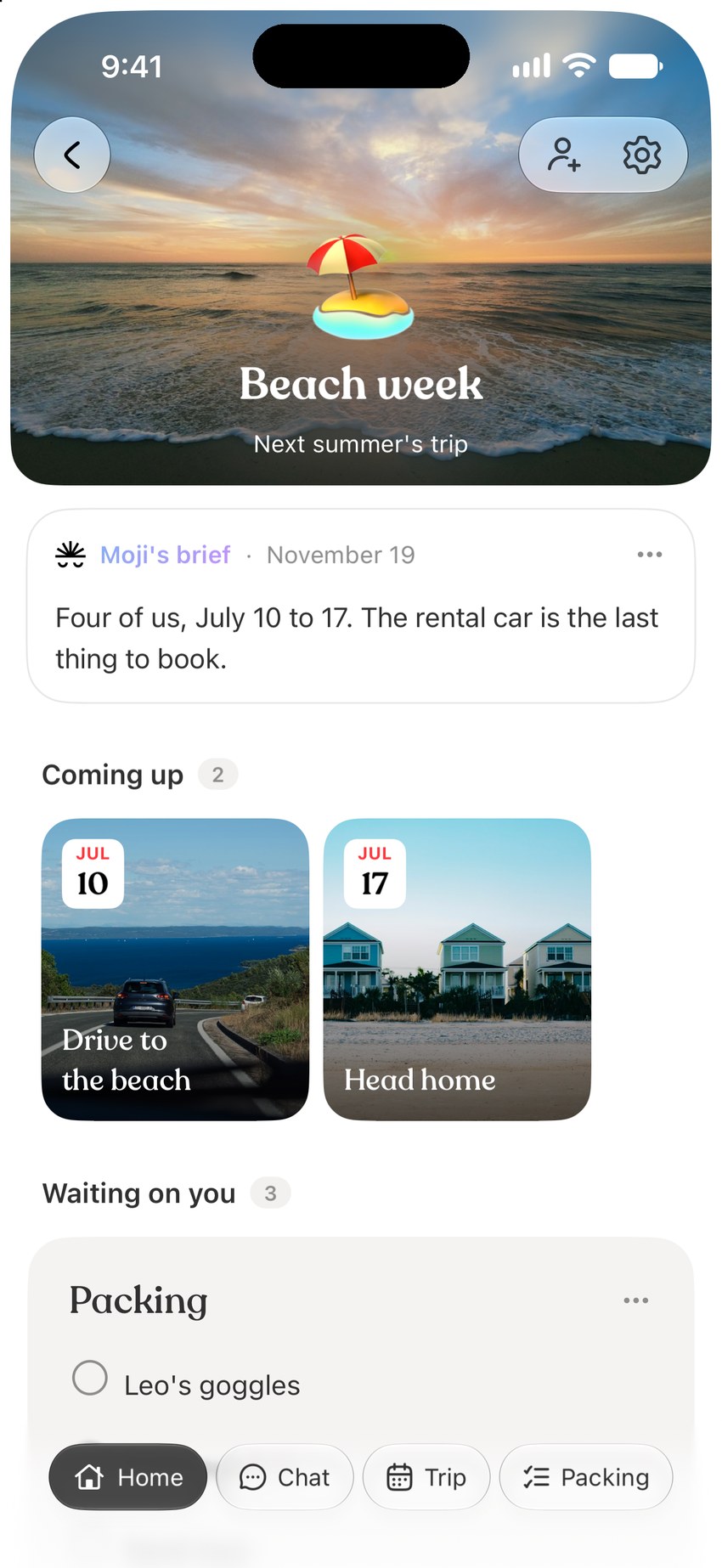
School, activities, the house and the next trip, each in its own space, filled in from your email instead of typed in. Your partner sees the same plan.
Start with one thing on your mind. Sign up with your phone number.
Is Moji a family organizer app?
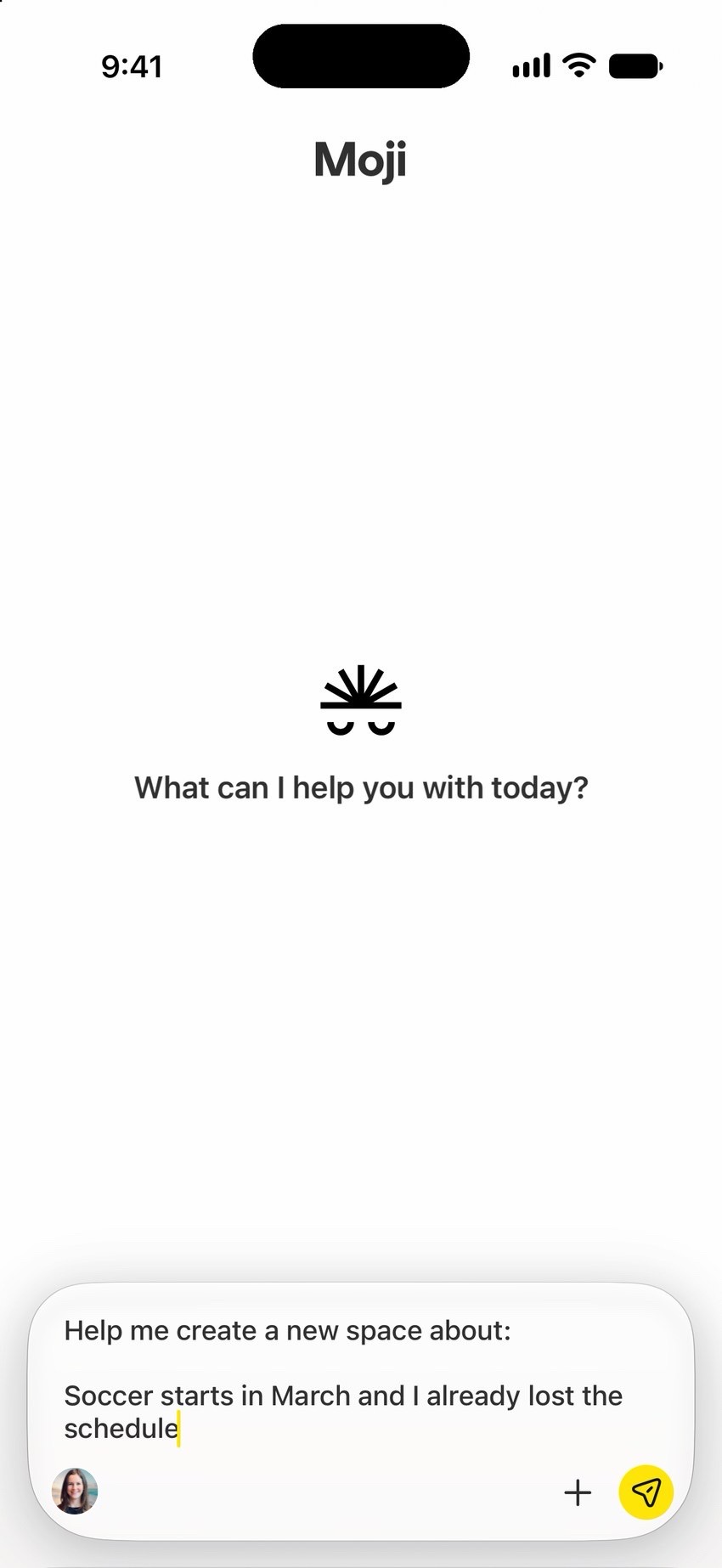
Yes. Moji is a family organizer app for iPhone. School, activities, the house and the next trip each get their own space, and Moji keeps the dates and to-dos in each one up to date from your email.
How does Moji find school and activity dates?
Connect your email and calendar, and Moji pulls the dates, forms and what to bring out of school and activity emails. Connecting is optional: you can also tell Moji what to keep track of.
Can my partner and I share the same plan?
Yes. Invite your partner to any space and you both see the same dates and to-dos. Moji posts what changed, like who took Thursday pickup. A space is private until you share it.
Does it work with Google Calendar and Outlook?
Yes. You can connect Gmail, Outlook and their calendars, along with apps such as Notion and Slack. You choose which connections to use.
What does Moji cost?
Moji is free to start, with a weekly usage limit. For more usage, choose Starter at $9.99 a month or Pro at $29.99 a month, billed through the App Store. You can cancel anytime.
Does Moji work on Android?
Moji is available on iPhone for now. There isn't an Android or web app yet.