Get everything out of your head.
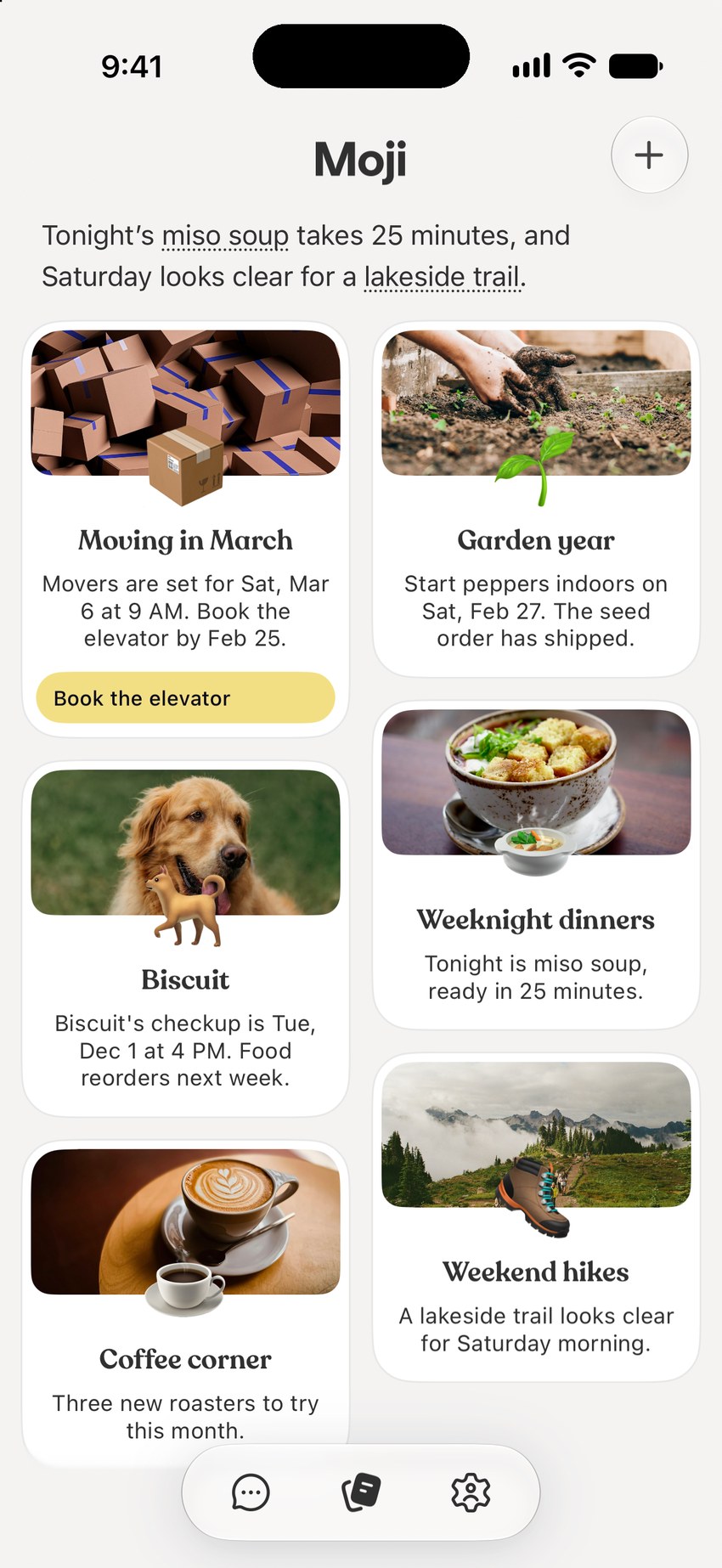
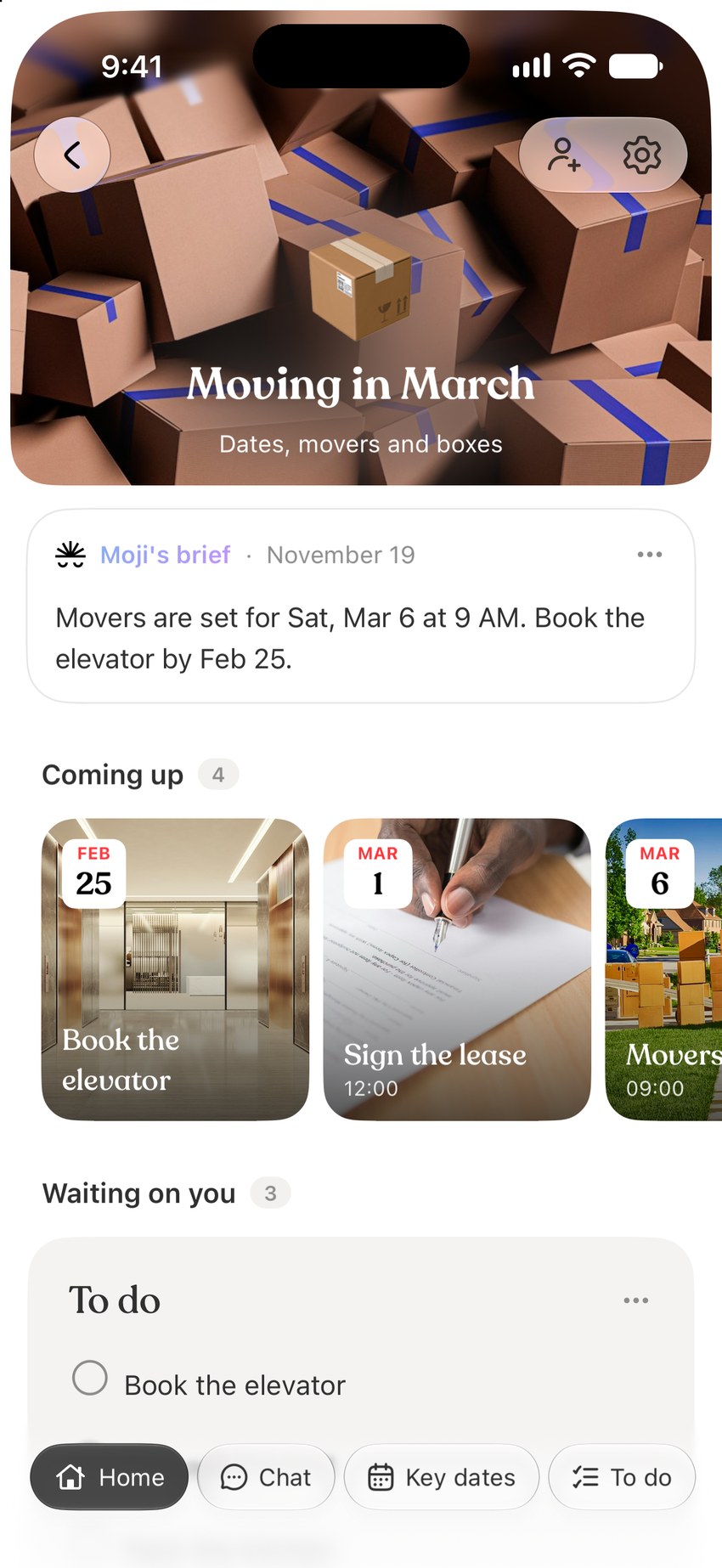
Everything on one screen. Open one thing at a time. Everything else stays as you left it.
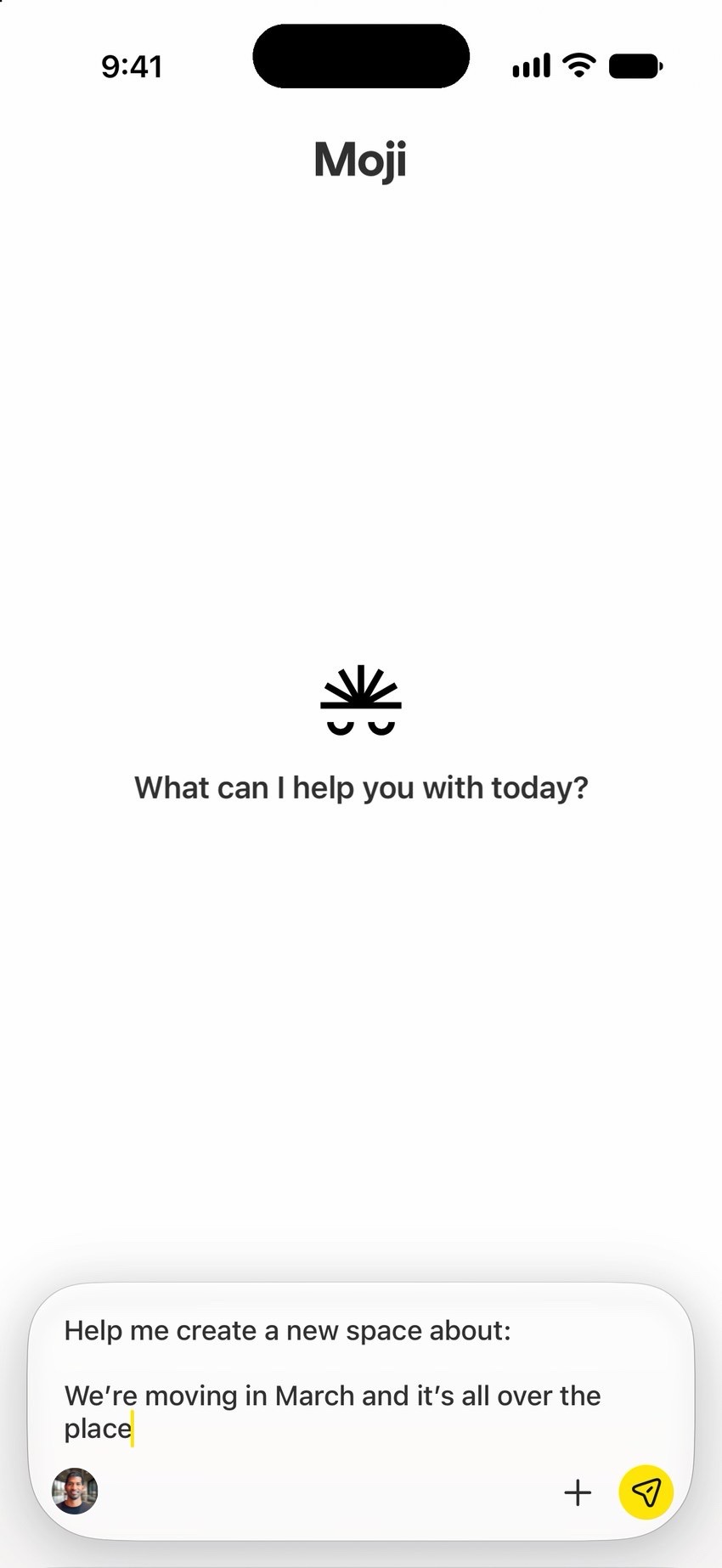
Start with one thing on your mind. Sign up with your phone number.
- 1
You send three notes about dinner ideas
that miso soup from the place by work
the lentil thing my sister makes
something I can make in one pot
- 2
Moji organizes them into a plan
All three are warm, simple and cooked in one pot. I'll pick weeknight dinners like that.
- 3
You tell it what to change
less fried, more soups
Soups first, nothing fried. These are this week's picks.
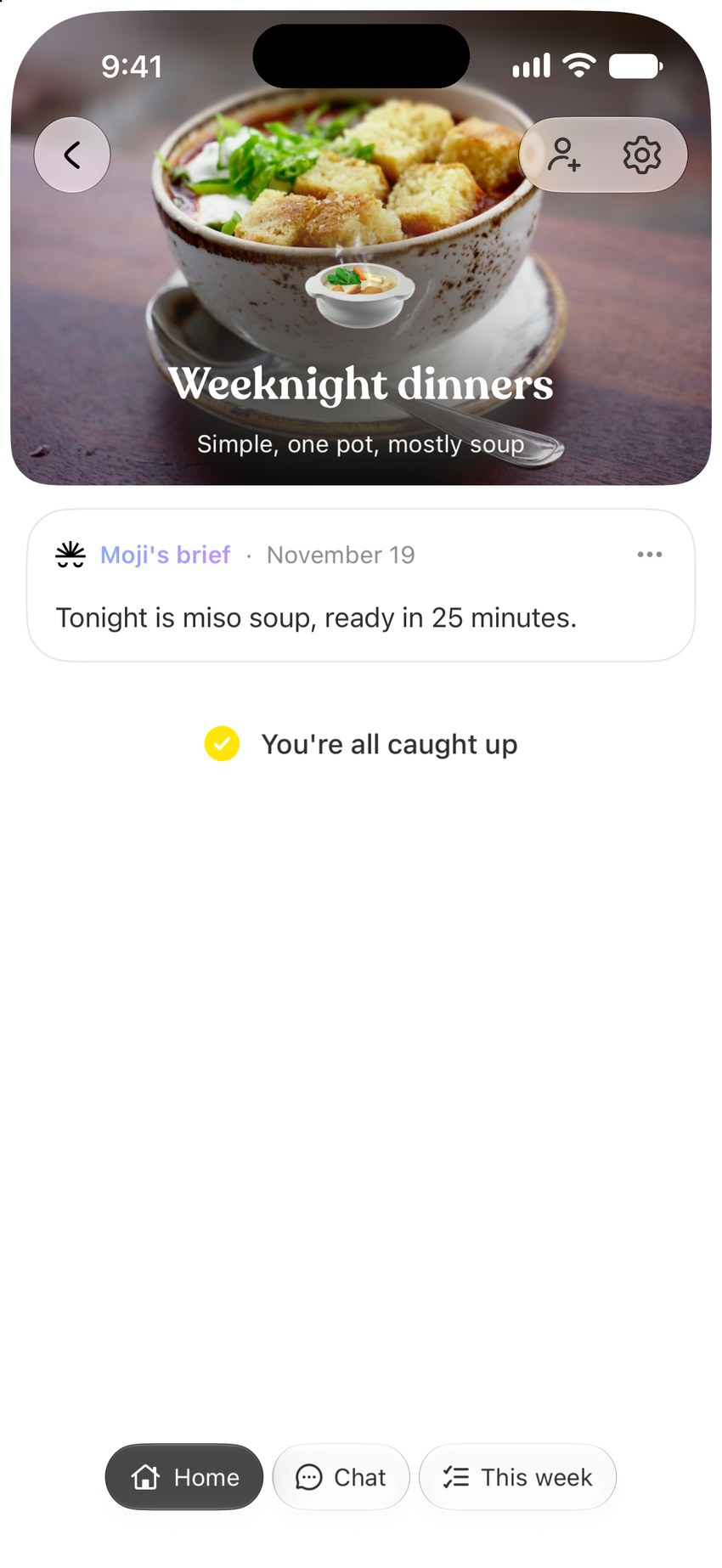
what's for dinner tonight?
Miso soup. It's ready in 25 minutes, all in one pot.
Can I use Moji to brain dump everything on my mind?
Yes. Type what's on your mind the way you'd text a friend. Moji turns it into a space with a plan, and you can add more whenever you think of it.
Do I need to set anything up first?
No. Tell Moji one thing you're planning or keeping track of, and it makes a space for it. Add more when you want to.
How do I see everything I have going on?
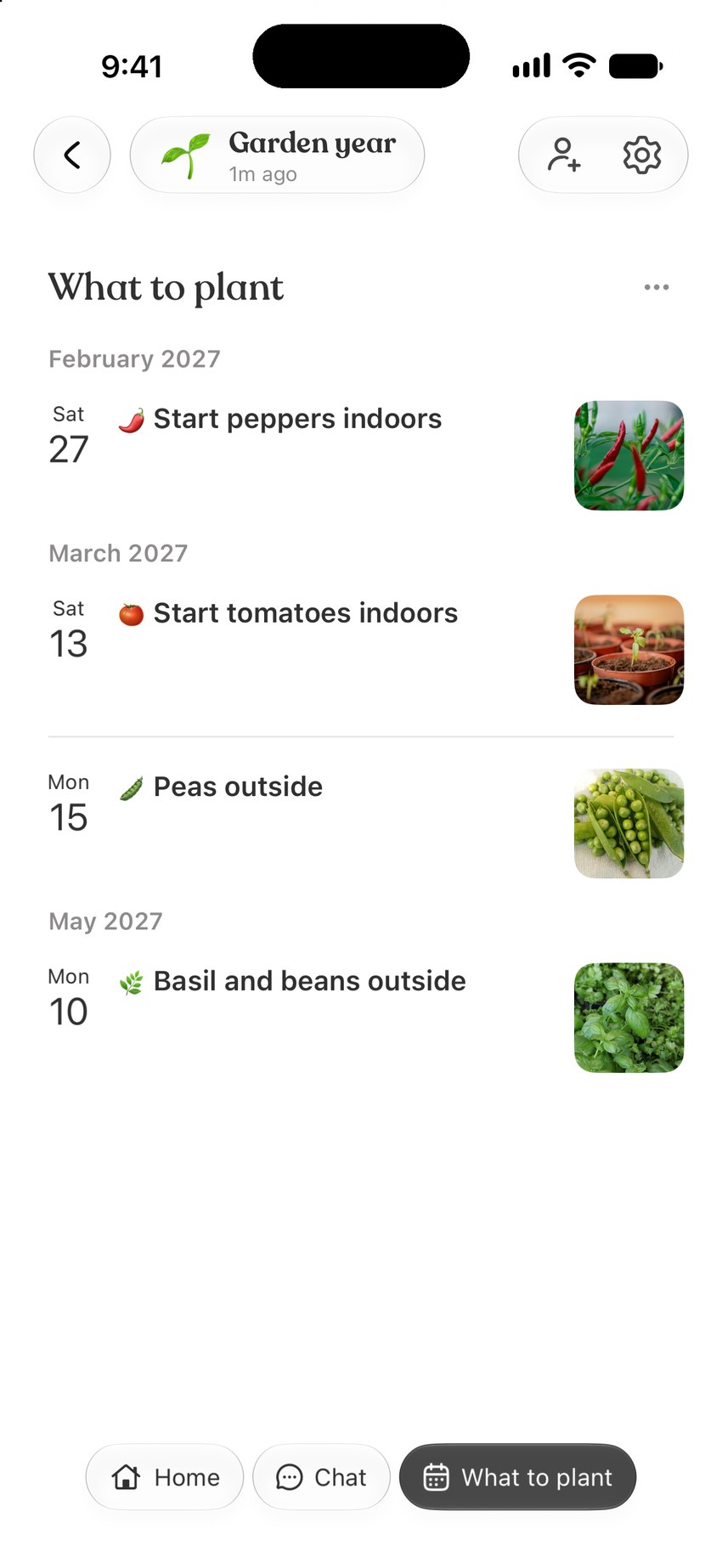
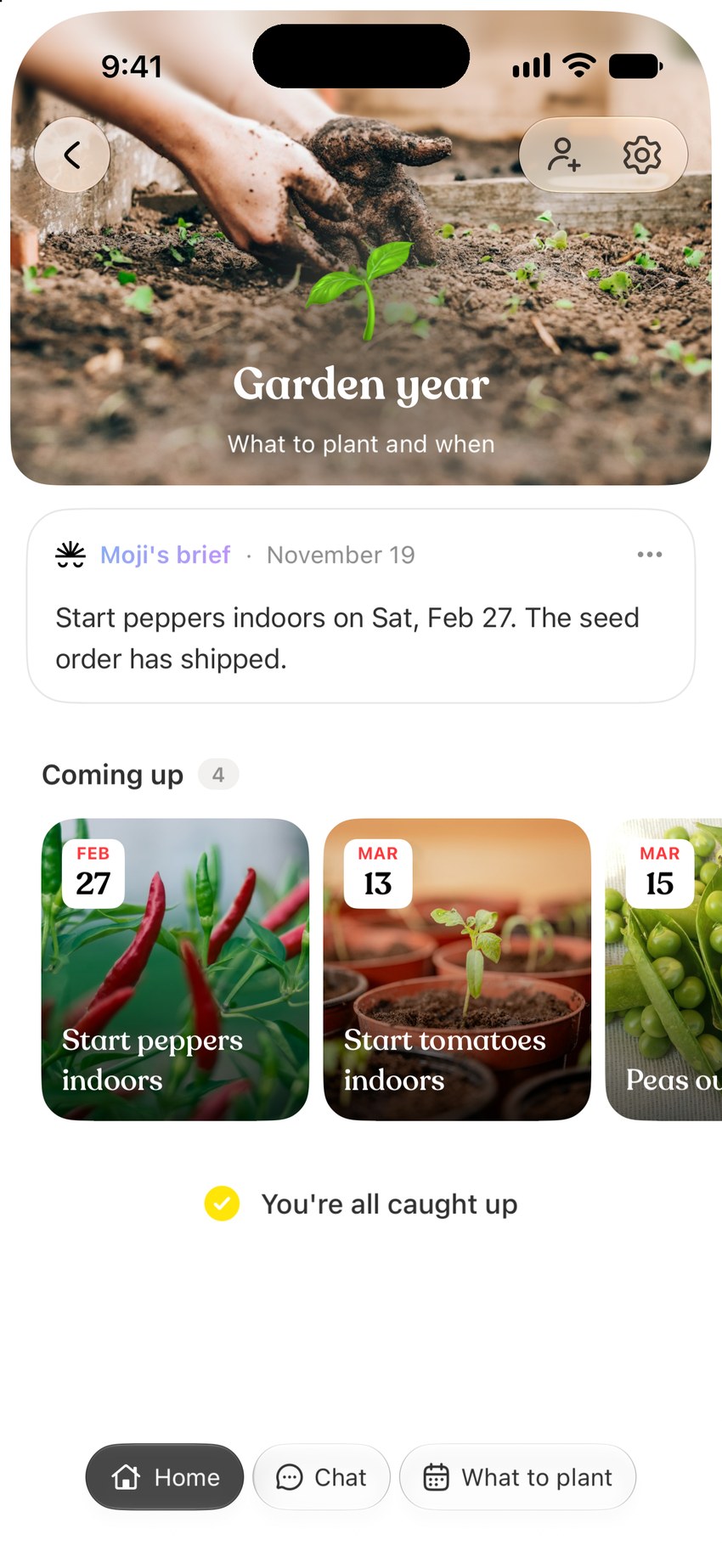
The Spaces home shows every part of your life on one screen, each with its latest line. Tap a space to see what's coming up, then go back and the home is exactly as you left it.
How does Moji keep my plans up to date?
Connect your email and calendar, and Moji updates a space when plans change, like a new moving date or a booking to make. Connecting is optional: you can always tell Moji what changed in the chat.
What does Moji cost?
Moji is free to start, with a weekly usage limit. For more usage, choose Starter at $9.99 a month or Pro at $29.99 a month, billed through the App Store. You can cancel anytime.
Does Moji work on Android?
Moji is available on iPhone for now. There isn't an Android or web app yet.